CodeLogician Documentation
CodeLogician helps AI coding agents reason about complex software using math and logic.
Instead of only generating code and explanations, CodeLogician forces the agent to build a mathematical mental model of the system and uses automated reasoning to uncover:
- edge cases
- decision boundaries
- invariants
- hidden behavioral interactions
before software is deployed.
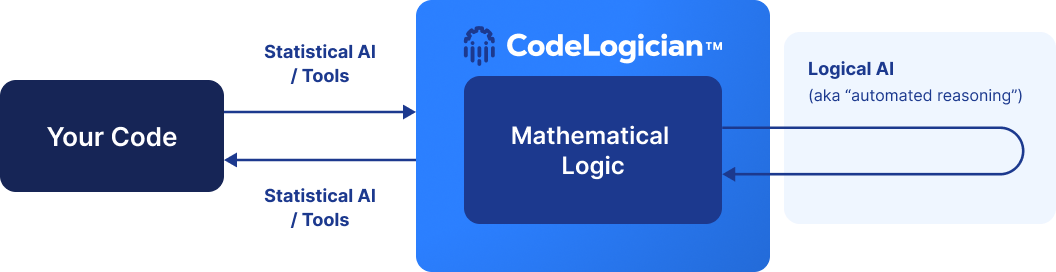
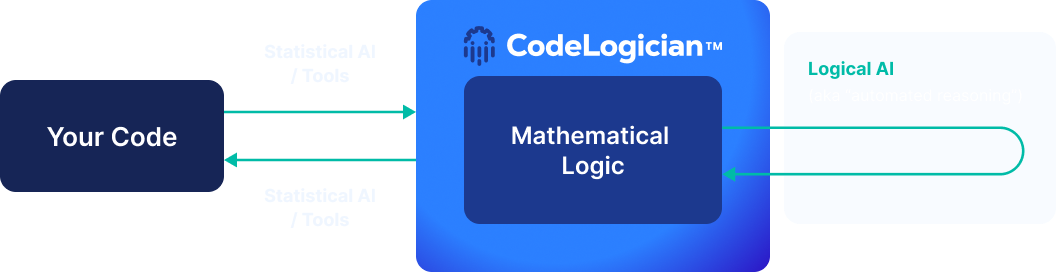
What CodeLogician Adds to AI Coding
LLM-based coding assistants are extremely good at generating code, but their reasoning is fundamentally statistical.
CodeLogician introduces a logic-first reasoning layer that systematically analyzes software behavior.
Instead of sampling possible executions, CodeLogician:
- builds a formal behavioral model
- explores the full decision space
- proves correctness properties
- produces concrete counterexamples when assumptions fail
This transforms AI-assisted development from:
"looks correct"
into
"behavior understood"
How CodeLogician Works
LLM-only workflow
AI coding assistants typically operate like this:
- The user asks for code
- The LLM generates an implementation
- The user reviews the result manually
Edge cases and behavioral boundaries are often missed because the model only samples likely paths.
Logic-first workflow
CodeLogician augments the workflow by introducing a formal reasoning step.
The LLM produces a structured model of the system, which is then analyzed by the ImandraX reasoning engine.
This produces artifacts such as:
- counterexamples
- verified invariants
- behavioral decompositions
- high‑coverage test cases
The result is evidence-backed reasoning, not just generated output.
Where CodeLogician Helps Most
CodeLogician is most valuable when software encodes complex behavior, not just simple transformations.
Examples include:
- state machines
- distributed systems
- payment and pricing logic
- access control systems
- compliance and risk rules
- workflow orchestration
These systems often contain combinatorial behavioral complexity that traditional testing or LLM reasoning alone cannot fully explore.
| Reasoning domains | Examples | Software Abstraction High | CodeLogician applicability |
|---|---|---|---|
Architectural designs | SysML v2 modeling, verification and testing | ||
Multi-system integration testing | Integration testing | ||
Functional requirements | Requirements modeling and functional testing | ||
Low-level application-specific | SQL injection issues | ||
Hardware-related concerns | Memory allocation in C++ | ||
Low | |||
Powered by ImandraX
CodeLogician is built on ImandraX, a high‑performance automated reasoning engine used to analyze complex real‑world systems.
ImandraX enables CodeLogician to:
- systematically explore behavioral state spaces
- prove logical properties of systems
- synthesize executable counterexamples
- reason about complex numerical and structural constraints
This allows AI-generated software to be evaluated with mathematical rigor rather than probability.
Getting Started
To run CodeLogician, obtain an Imandra Universe API key (free tier available) from:
Make sure it is available in your environment as IMANDRA_UNI_KEY.
Typical CodeLogician Workflow
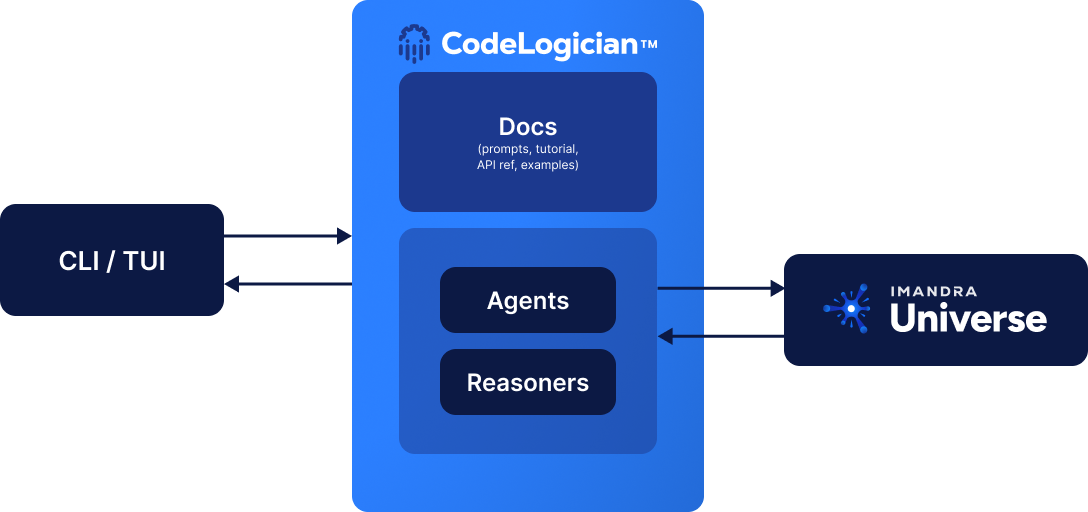
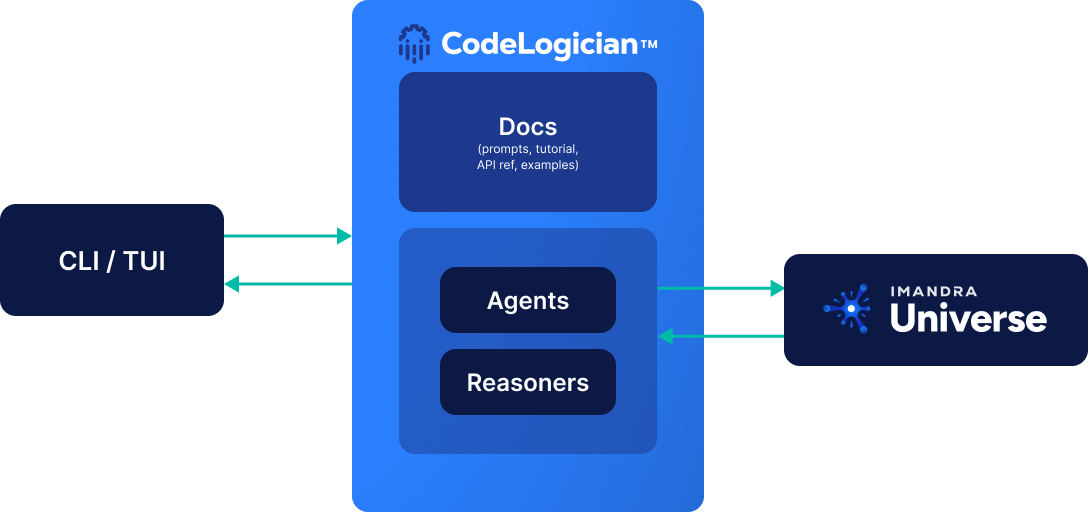
CodeLogician connects you and your AI coding agent to the formal reasoning capabilities of ImandraX. It can be seen as an agent harness, built for an LLM to drive, though its results stay readable for you too. The same analyses are available in more than one shape: through the CLI or the MCP server, which share the same principles. See installation to get set up and choose what suits your workflow best.
How much of the loop your LLM drives is up to you. Workflows range from fully manual to fully automated, but the steps are the same either way:
- Learn the tools. You or your agent pick up IML and its reasoning workflows from the agent skill or the
codelogician docCLI command. - Build a formal model. Turn source code, a specification, a PRD, or even prose into IML.
- Reason about your system. Prove properties, find counterexamples that violate your invariants, synthesize test cases, and decompose state spaces to expose edge cases.
- Iterate. Feed reasoning results back into the model with
codelogician evaland repeat until the model says what you meant.
This is what turns your coding agent (Claude Code, Cursor, Codex, …) into an autoformalization agent.
Getting Started
New to CodeLogician? Start here:
- Get your Imandra Universe API key
- Getting Started: install CodeLogician and run your first reasoning example
Tutorials
Step‑by‑step walkthroughs for common workflows:
- CLI Tutorial: working with the CodeLogician CLI
How‑to Guides
Task-focused recipes, for when you know the tool and have a job to do:
- Region Decomposition: find every distinct behaviour of a function, and cut the list down when it is too large
- Generate Test Cases: one test per behavioural region, with
gen-testor your own translator - Handle External Dependencies: opaque functions, axioms, approximations
Explanation
Background on why the tools are shaped the way they are:
- Why Logic-First: what reasoning answers that an LLM cannot
- Thinking Formally: writing code for a reasoning engine to read
- Autoformalization: how source code becomes a model
Real‑World Examples
Explore production‑style analyses demonstrating CodeLogician capabilities:
Highlighted examples:
- Algorithmic trading rules analysis
- Financial market infrastructure verification
- workflow reasoning and system integration analysis
These examples include formal models, reasoning artifacts, and visual workflow diagrams.
Further Help
Need assistance or want to explore enterprise deployments?