Bring Your Own Agent mode
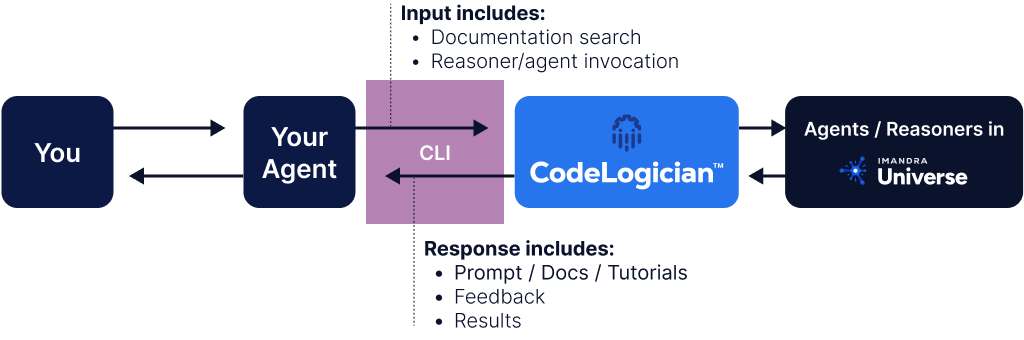
A more customizable way to use CodeLogician is the Bring Your Own Agent mode. The idea behind this is to ask an LLM to interact with CodeLogician on your behalf.
Advantages of this mode include:
- total control over formalization process
- ability to make specific requests regarding structure, verification goals, etc.
- potential to use additional context during formalization
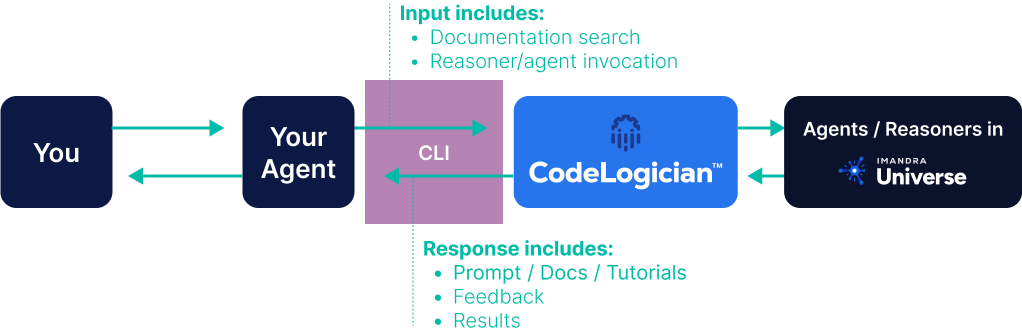
The diagram below illustrates how BYOA mode works.
To begin, ask your LLM of choice to learn about CodeLogician, IML, and ImandraX using the codelogician command.
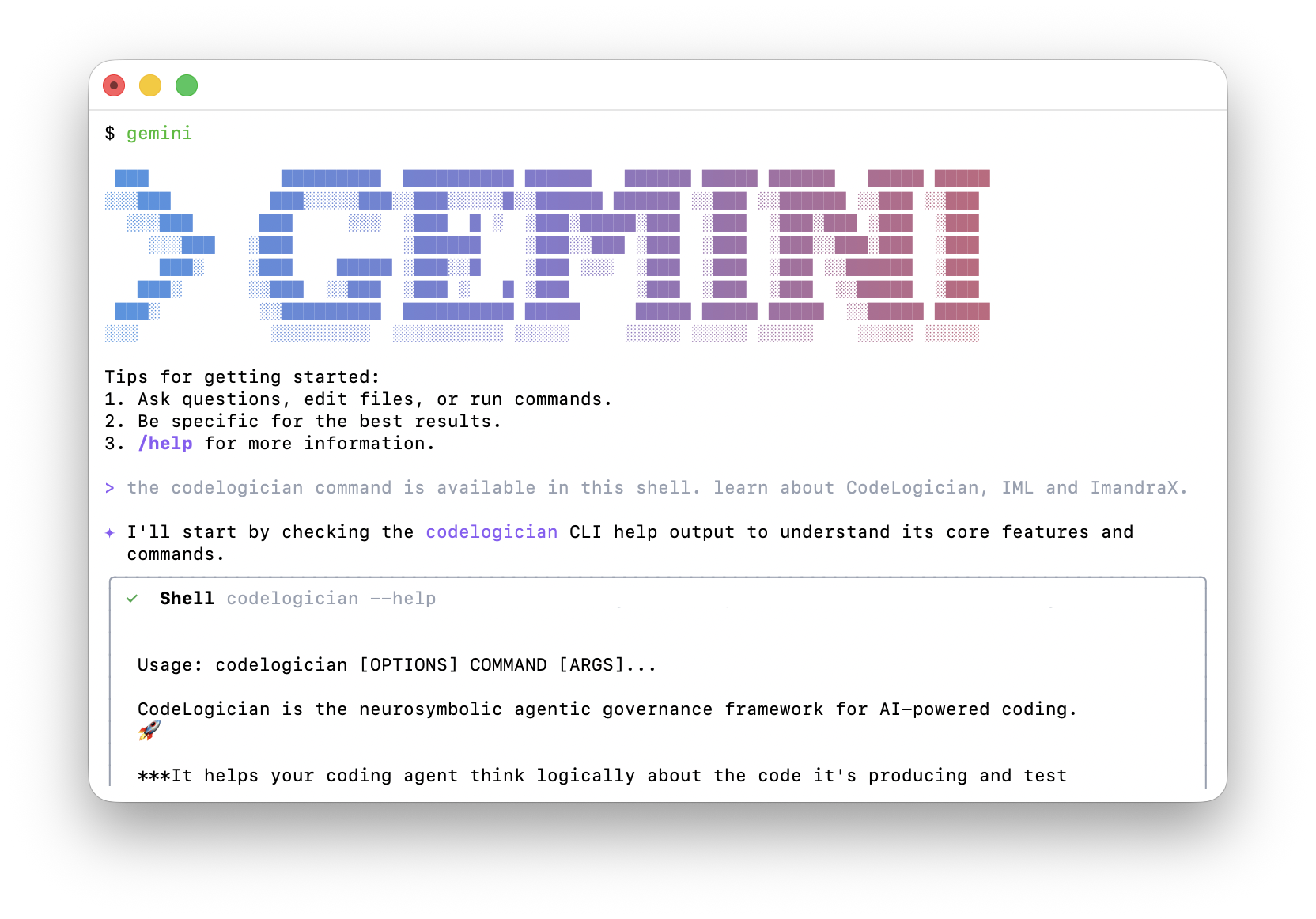
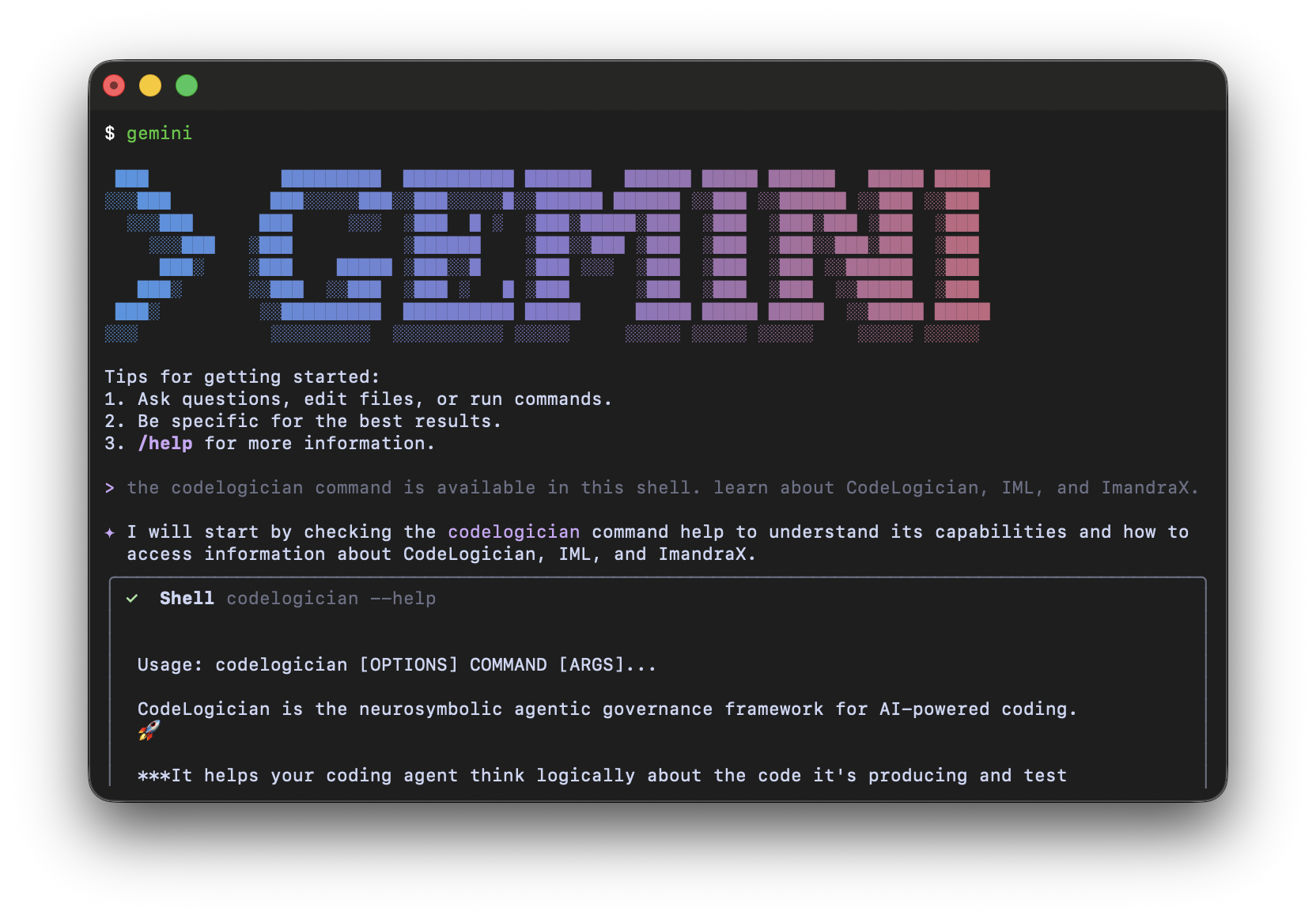
Provide a file to be formalized
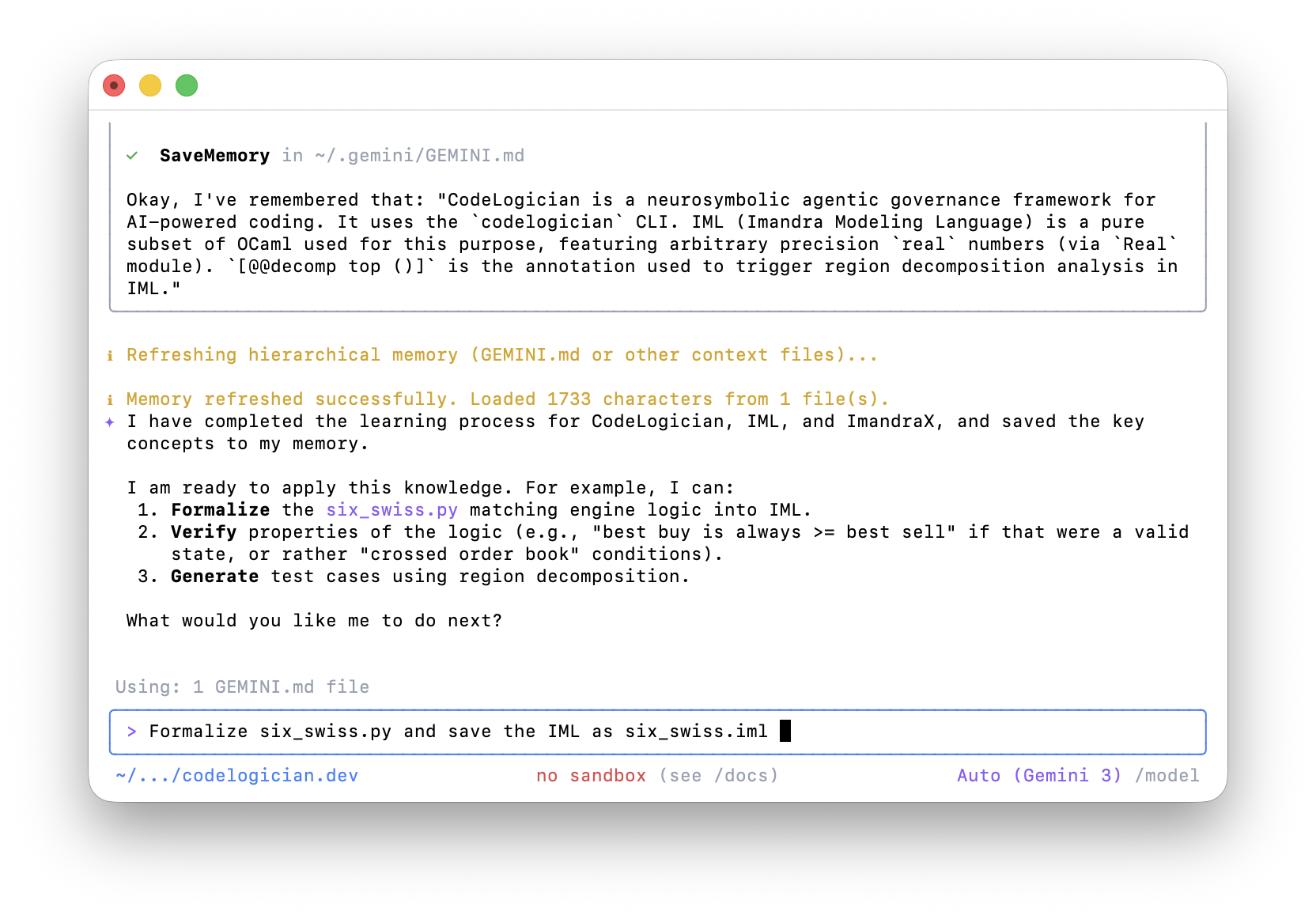
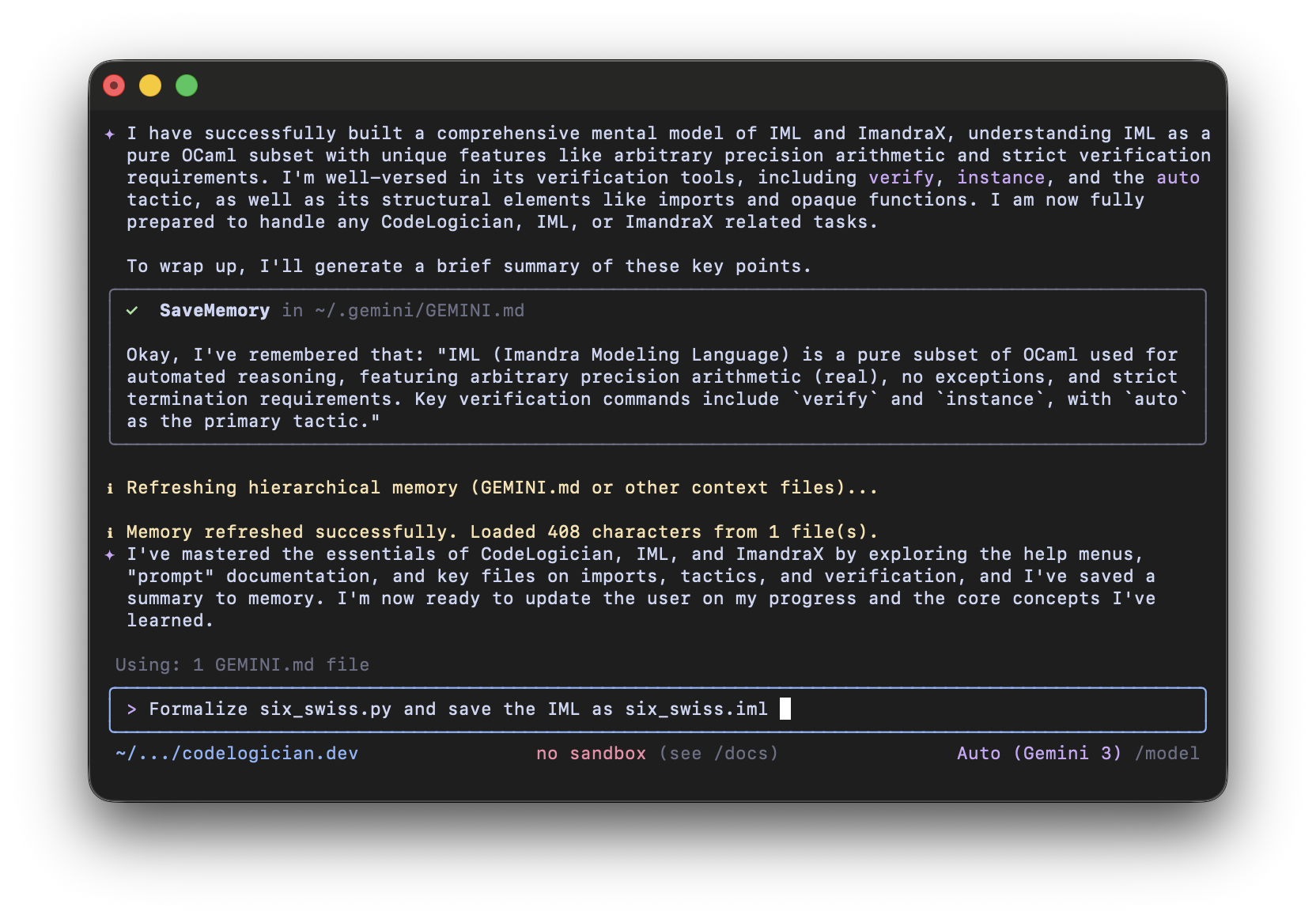
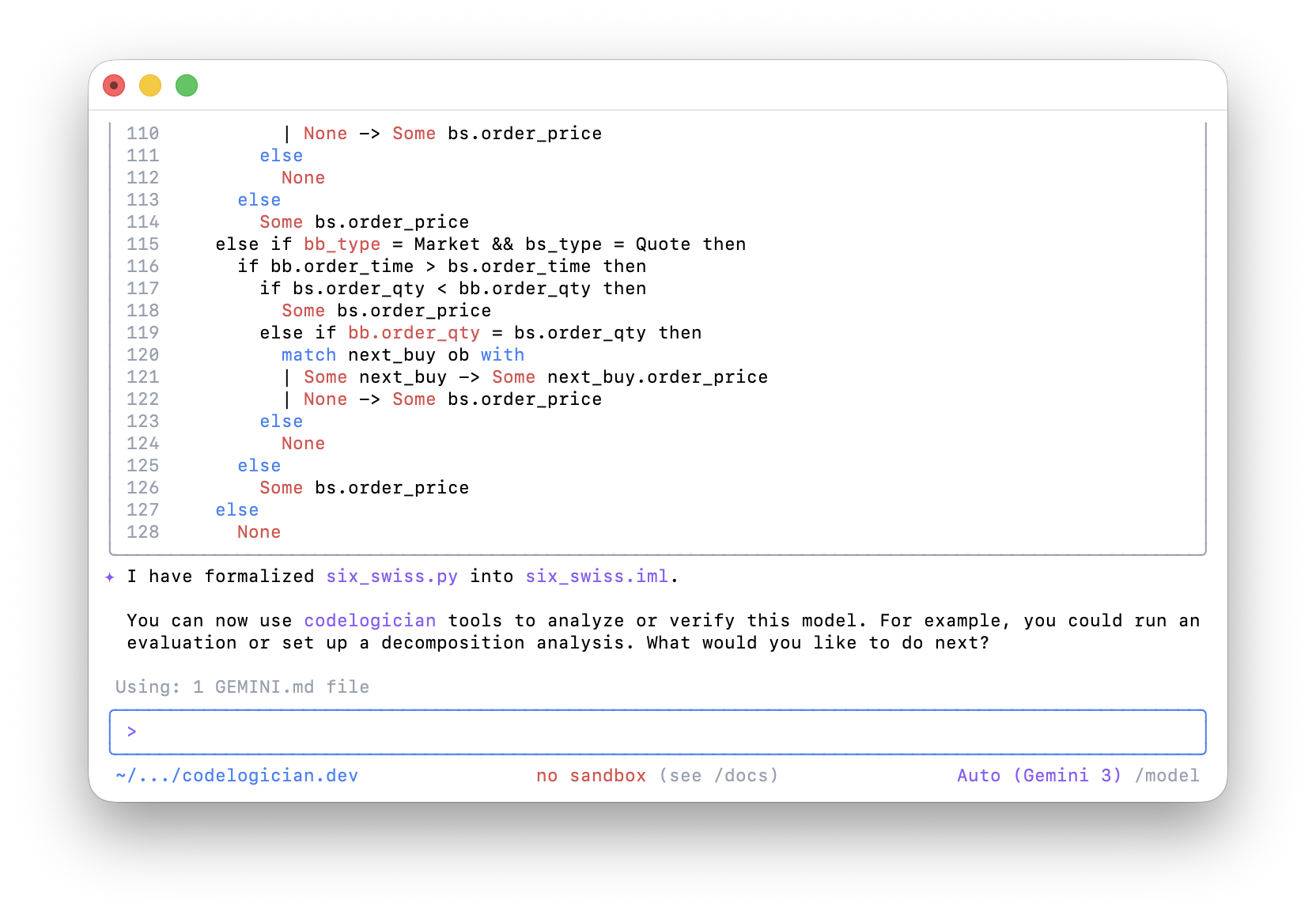
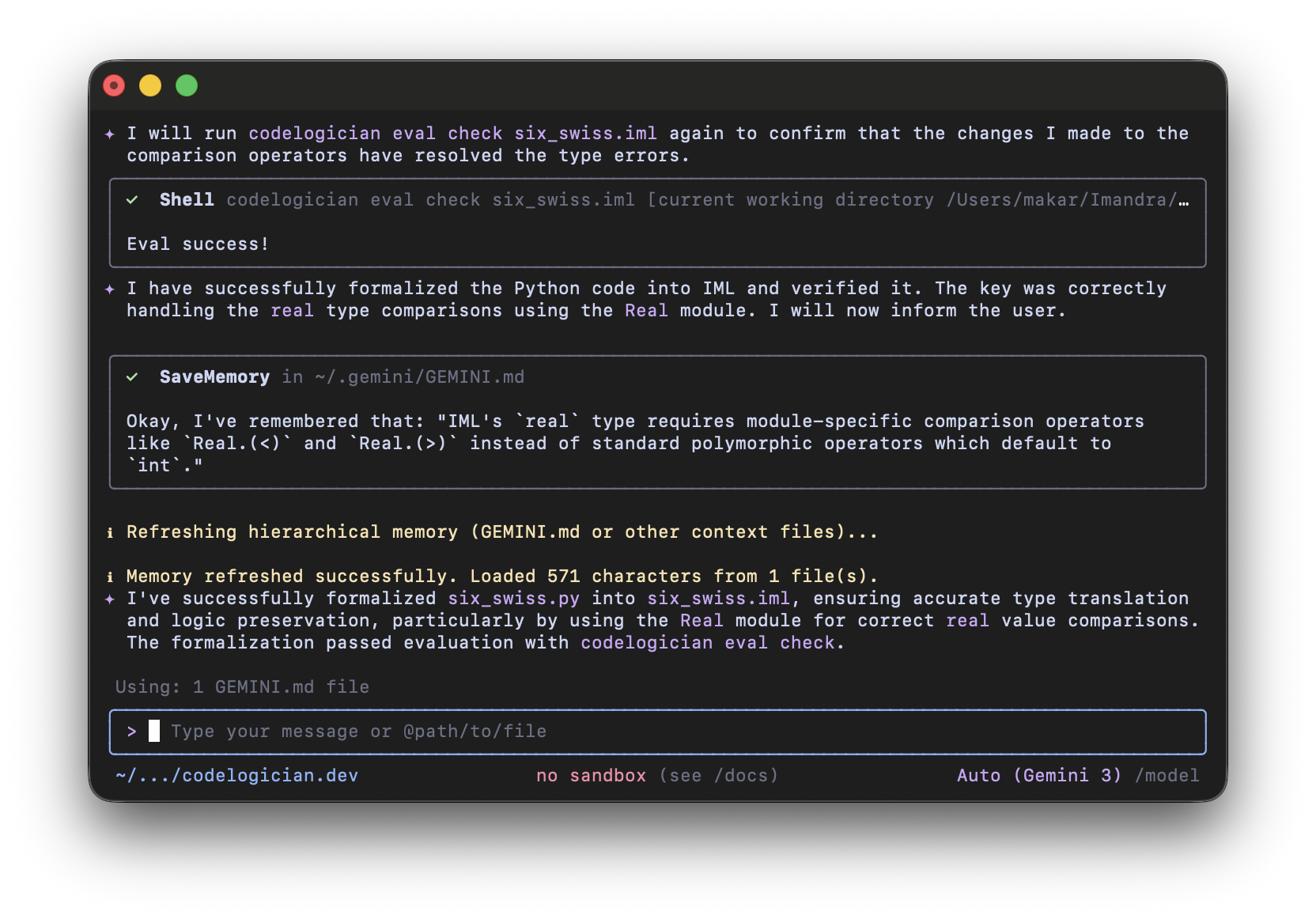
The LLM will attempt to formalize the file, then use the codelogician eval check command to check the IML for errors.
If errors are present, it will revisit the documentation and correct them.
The codelogician doc command also provides detailed information on verification goals and region decomposition.
Once the LLM has written an IML model from our source code, we can ask it to perform analysis.
In the next screenshot, we asked the LLM to use CodeLogician's Region Decomposition capabilities.
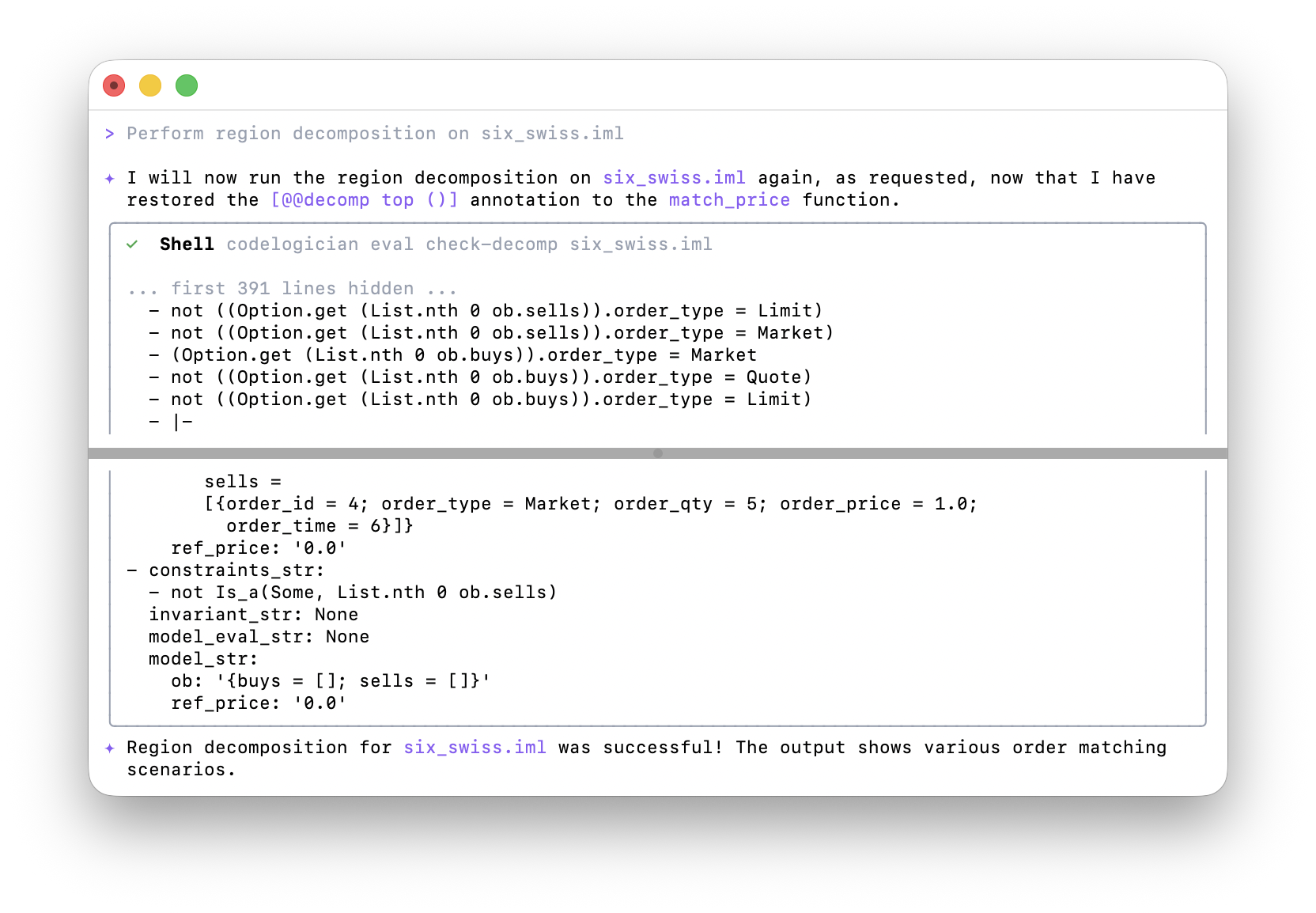
To demonstrate verification goals, we'll use the UBS Dark Pool example and verify a property that we are interested in. We ask the LLM to add to the IML model one or more verification goals to check rank transitivity.
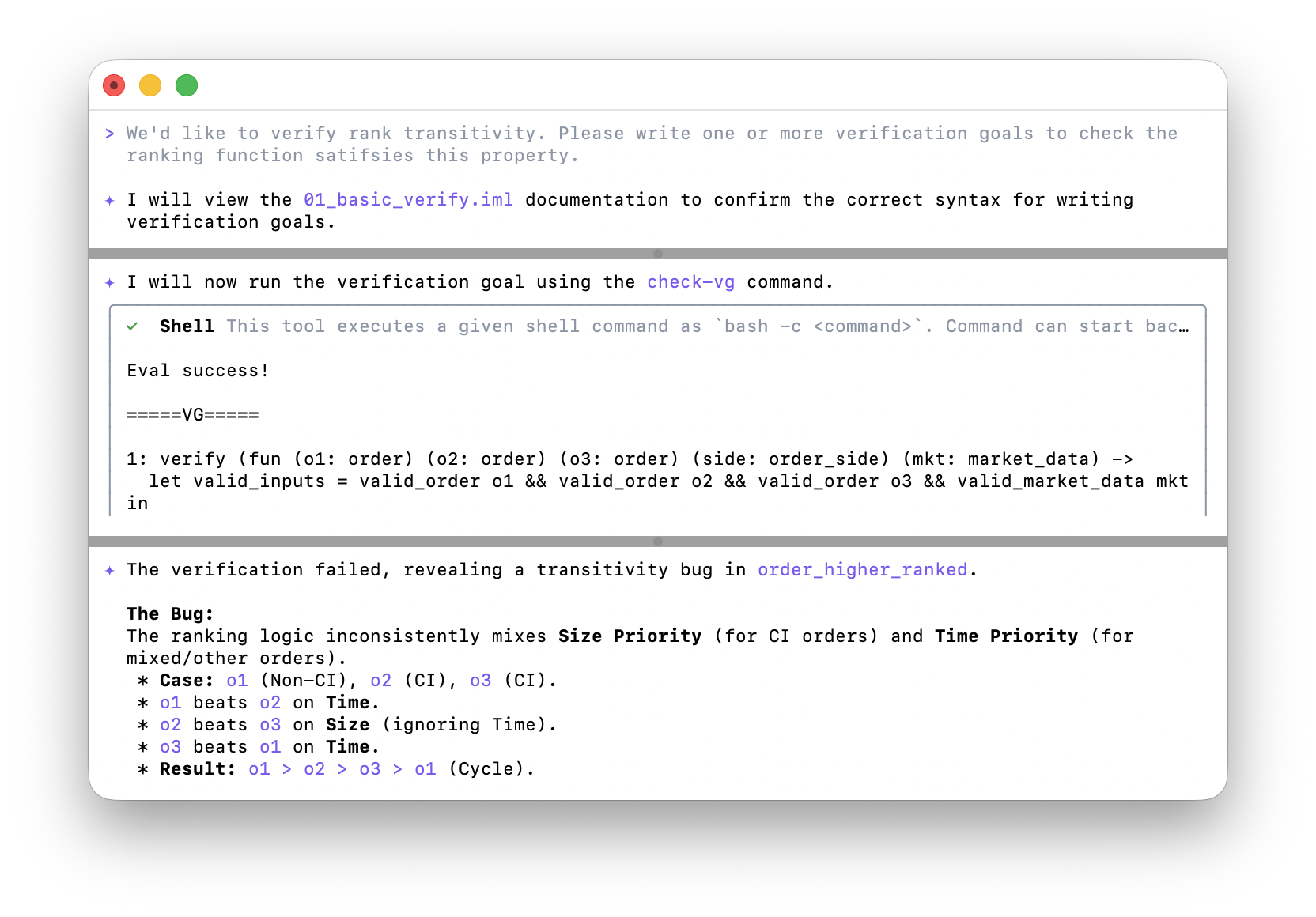
The LLM will use the codelogician eval check-vg command to check the verification goals and interpret the results.
The results show that ImandraX was able to find counterexamples to the verification goals.